
Access control is most effective when it is designed around how people actually move through a building. An office may need to separate staff entrances, server rooms, finance areas, stock rooms, meeting zones and visitor access without slowing down daily work.
This guide explains how to plan access control systems for offices in Kenya, especially when biometric readers, card access, electric locks, CCTV and network infrastructure need to work together.
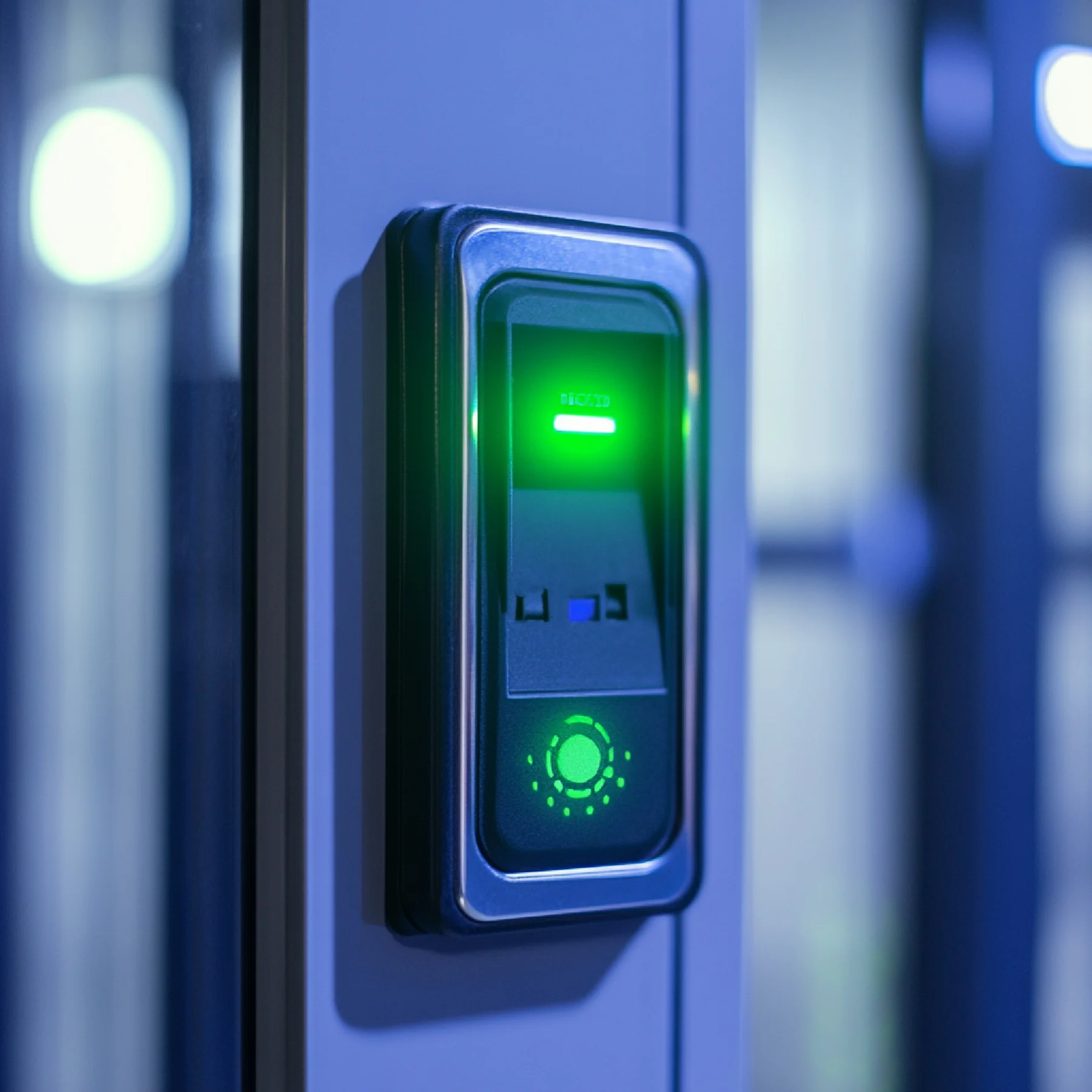
1. Start with a door and risk map
Before choosing readers or locks, map the doors that need control. Some doors protect sensitive records, some protect equipment, and others simply guide staff flow. Each door may have a different risk level and usage pattern.
A good access-control scope identifies controlled doors, emergency exits, visitor routes, reception workflows, staff-only zones and any areas that require extra accountability.
2. Choose the right credential method
Common credential options include cards, PINs, mobile credentials and biometric readers. Biometrics can reduce shared credentials, while cards may be easier to issue and replace for larger teams. Some offices use a mix depending on the door and staff group.
The right option depends on privacy expectations, management process, staff turnover, door traffic and reporting needs. For attendance, biometric systems may also support time tracking where that workflow is required.
3. Design user groups and permissions
Access control should avoid one-size-fits-all permissions. Administration staff, cleaners, guards, management, contractors and visitors may all need different schedules and access levels.
Clear user groups make the system easier to maintain. They also help prevent old users, temporary staff or shared credentials from becoming long-term security gaps.
4. Coordinate with CCTV, intercoms and the network
Access control often depends on stable power, network paths and door hardware. It can also be coordinated with CCTV so restricted-door activity is easier to review when an incident occurs.
Where visitor screening is important, video intercoms can support reception, gate or apartment entry workflows. The installer should review cabling routes, controller placement, backup power and user handover before deployment.
5. Keep administration simple after installation
A system is only useful if authorized staff can manage users, remove old credentials and understand reports. Ask for admin training, basic documentation, emergency release guidance and a support path for future changes.
For growing offices, it is also worth planning for extra doors, additional readers and future integration needs.
Need a site-specific scope?
Turn this guide into a practical recommendation
GS TechGuard Services can review your site details, current setup and service need, then recommend a sensible next step.
Request a QuoteNext step
For service details, visit Access control systems. For combined projects, include CCTV, access control, networking, fire safety, power backup or weighing needs in one request so the dependencies can be reviewed together.