
Security and network systems depend on power more than many businesses realize. A short outage can interrupt cameras, access-control doors, routers, switches, Wi-Fi, recorders and server-room equipment.
This guide explains how to plan UPS power backup for CCTV, access control and office networks in Kenya so critical systems have a more practical support path during power interruptions.
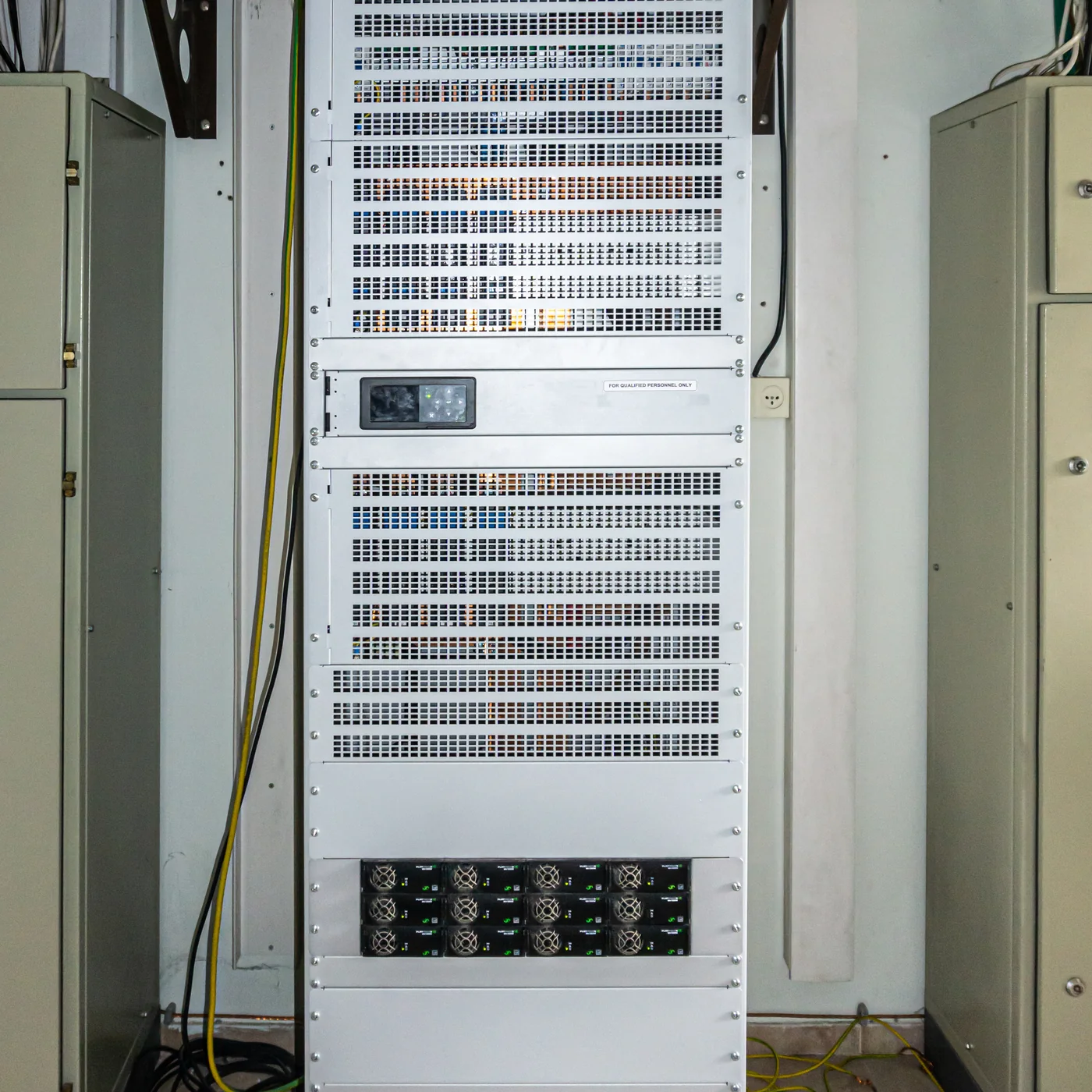
1. Identify the equipment that must stay online
Start by listing the critical loads: CCTV recorders, PoE switches, cameras, access-control panels, routers, fire or communication equipment, Wi-Fi access points and server-room devices.
Not every device needs the same backup time. The scope should separate essential equipment from general office devices so the UPS is sized sensibly.
2. Decide the backup runtime target
UPS size is not only about the number of devices. Runtime depends on total load, battery capacity, equipment efficiency and how long the business needs systems to remain available.
A site may need enough time for safe shutdown, generator changeover or continued operation during brief outages. Each goal leads to a different power backup design.
3. Consider power quality and equipment protection
Sensitive network and security equipment can be affected by unstable power, sudden outages or poor electrical organization. A UPS can help bridge short interruptions and support cleaner shutdown planning.
The installation should also review power outlets, rack organization, ventilation, battery access and cable management.
4. Plan monitoring and maintenance
UPS batteries age, so power backup should not be forgotten after installation. Maintenance checks can review battery health, alarms, runtime expectations and load changes.
As new cameras, switches or access-control devices are added, the UPS load should be reviewed so backup expectations stay realistic.
5. Coordinate UPS with IT and security systems
Power backup works best when planned with the systems it supports. CCTV, access control, structured cabling, racks, switches, routers and server-room layout should be reviewed together.
This helps avoid a setup where cameras have power but the recorder or network link goes offline during the same outage.
Need a site-specific scope?
Turn this guide into a practical recommendation
GS TechGuard Services can review your site details, current setup and service need, then recommend a sensible next step.
Request a QuoteNext step
For service details, visit Power backup and IT support. For combined projects, include CCTV, access control, networking, fire safety, power backup or weighing needs in one request so the dependencies can be reviewed together.